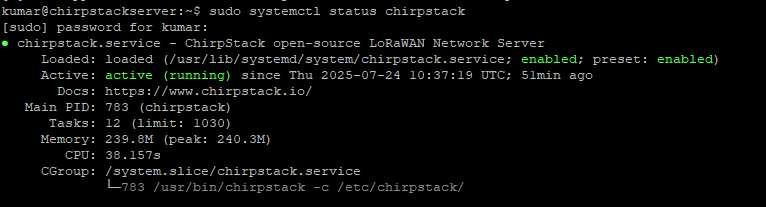
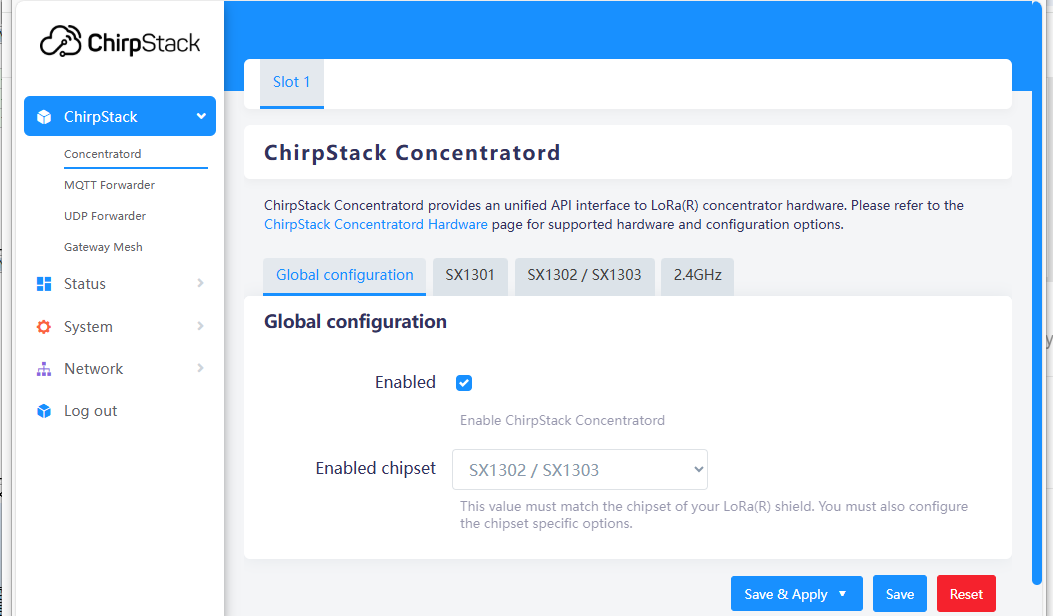
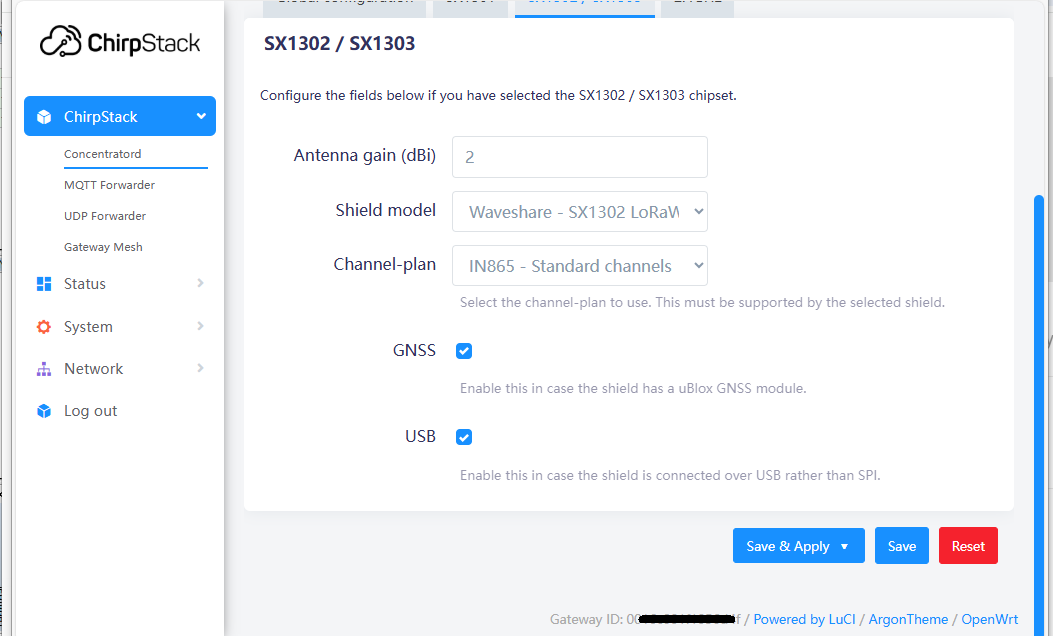
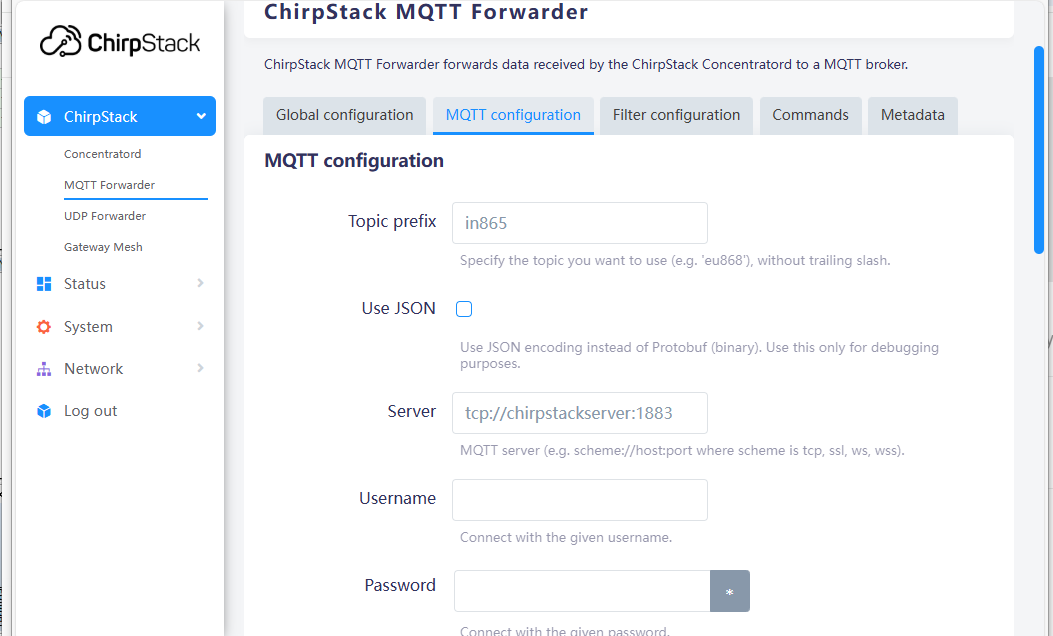
Hello ChirpStack Support Team, I have installed and configured ChirpStack Gateway OS Base image properly on Raspberry Pi 4B as per ChirpStack Gateway OS documentation process, but getting Never Seen error issue for the Gateway at ChirpStack network server running on an Ubuntu (latest LTS) machine.
Attached are the some of the setup screenshots to be reviewed by you for this.
Could you please assist me further to fix this issue? Thanking you.
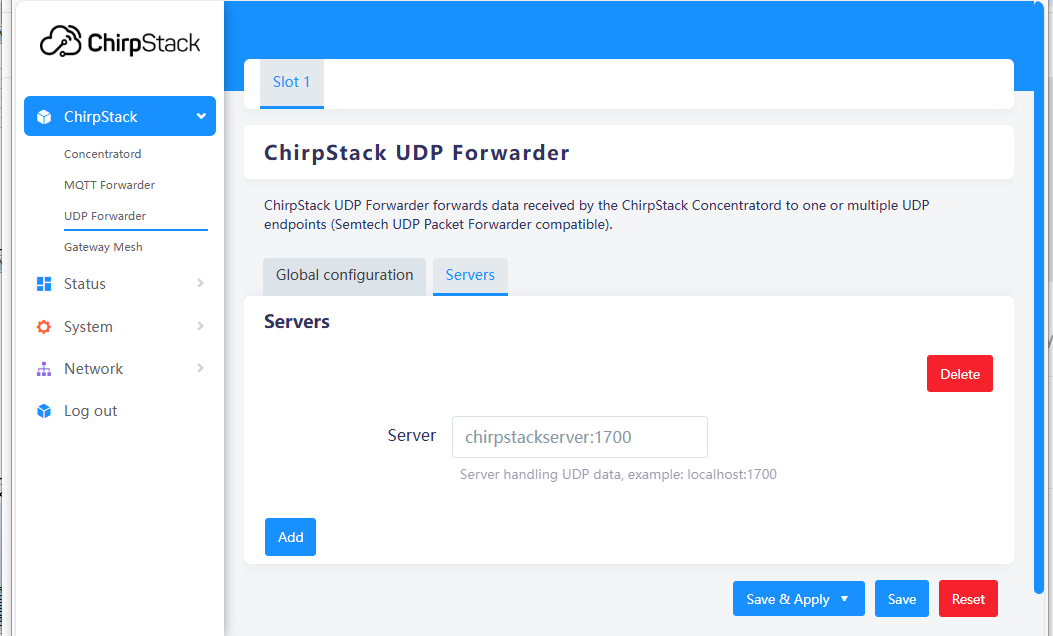
Make sure the MQTT forwarder is enabled and the UDP forwarder is not. Assuming you want to post directly to MQTT. Both of these serve the same purpose of passing data to the network server, so you only need one.
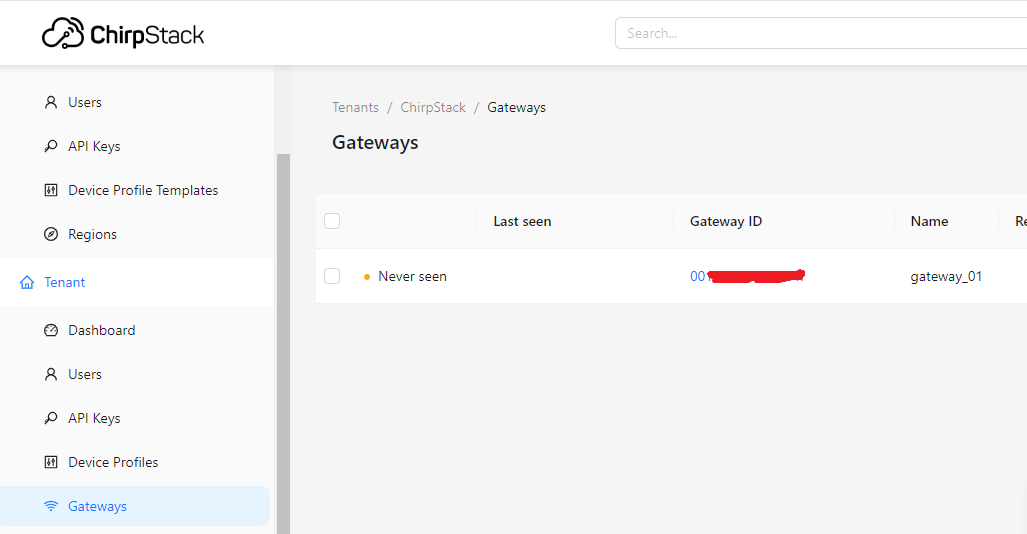
Then check the logs of your Chirpstack server. Is it receiving the gateway stats and denying them? Are there MQTT errors?
If you see nothing that would indicate the gateway’s messages are making it to the server, then it may be a fire walling issue.
Hi kpin404,
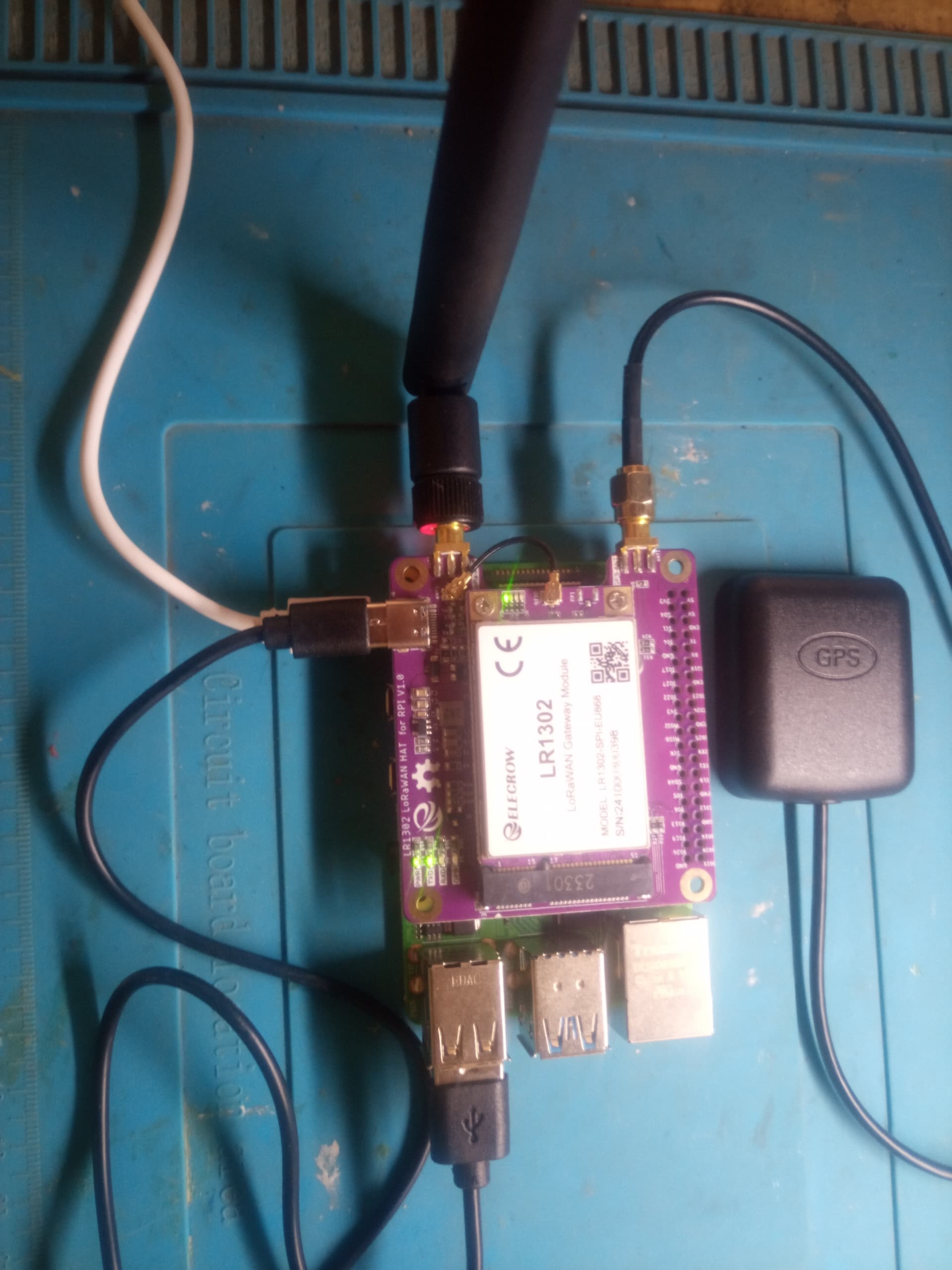
From your photo I see you have the same hardware as I have, an Elecrow pi hat. I am not an engineer and have little experience setting this up. Could you please tell me which OS and chirpstack install you are using.
Sorry to butt in here. I can send you my direct email if you wish so as not to bore the group. Thanks in advance.
Cheers,
Bob
Thanks, Liam. Since I use MQTT and NodeRed, should I install the full edition?
I tried this earlier but got confused on the setup. When it asks for the gateway ID then where do I find it?
I presently have an RAK7244 setup with chirpstack 3, NodeRed and MQTT. I want to move to v.4 but hesitate migrating the RAK7244 since it’s working and I am very unsure of what I’m doing. My idea is to setup the Elecrow pi and hat, move my sensors over slowly and then, when I’m sure it’s working, close the RAK7244. Much appreciated for your help—I think you came to the rescue earlier when I was setting up v.3.
Cheers,
Bob
It depends on whether you want the main Chirpstack server on your gateway or in the cloud/seperate server. The full install has the server on the gateway whereas the base requires an additional server elsewhere. Either of these options are compatible with Nodered. From what I understand of your setup I think you should probably do the full install and put the server on the Pi. I’m typically not a fan of the full install as it does not allow you to add other gateways (and there are one or two things it lacks in more advanced configuration), but it’s an easier setup and sounds like you only need the one gateway?