Dear all,
I had success installing Chirpstack with Portainer. (Just using the Stacks option which is equivalent to docker compose). But the issue is that there is no published port 8080 at the list of containers. So I can not access the administration page at localhost:8080.
Does anyone had to deal with this and found a solution?
Dear Jerome,
thank you for your support.
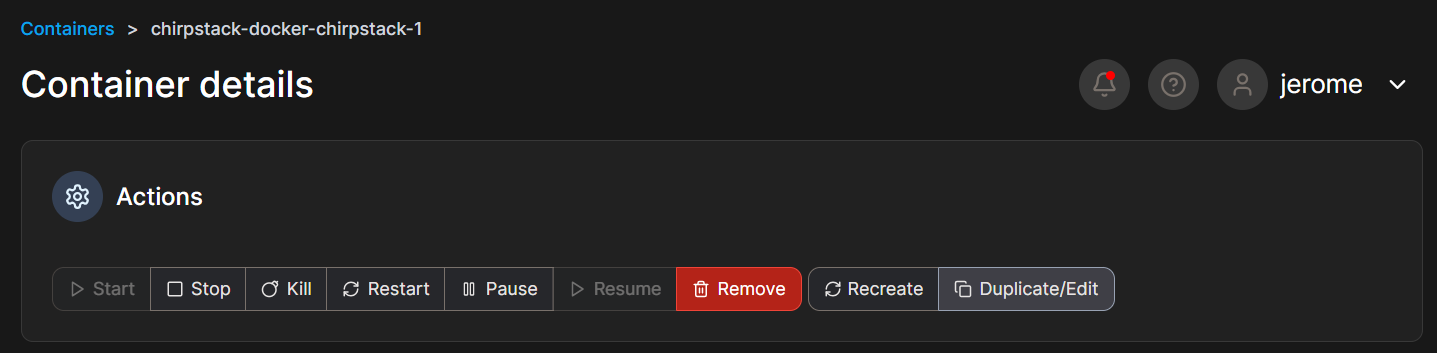
By the way, your screenshot is from Portainer? I can not access such configuration screen
I have tried changing this value in the yml file, but same result. No published ports for chirpstack container.
ports:
- “9080:8080”
The strange thing is that using Powershell and git bash I manage to have Chirpstack visible on port 8080 with just three instructions
git clone GitHub - chirpstack/chirpstack-docker: Setup ChirpStack using Docker Compose (on gitbash)
cd chirpstack-docker (On windows Powershell)
docker-compose up (On windows Powershell)
But with Portainer, and using the deploy stack from copy and paste yml file, then Portainer builds all the same containers but with no 8080 port published for chirpstack container.
You can use 8080 instead of 9080, I’m doing this because my 8080 port is alreay in use.
Anyway, I’m seeing those containers in Portainer but I used Docker Compose to deploy it, so this may be a difference from your setup.

 ,
,